Office Relocation Network Cabling Checklist for Orlando & Tampa
A new office can look ready while its network is still weeks from usable. Before desks arrive, your business needs a plan for the internet handoff, data outlets, Wi-Fi access points and the equipment that connects them. For an office move in Orlando, Tampa or elsewhere in Central Florida, this checklist helps turn a floor plan into a clear cabling scope.
1. Map the devices before counting cables
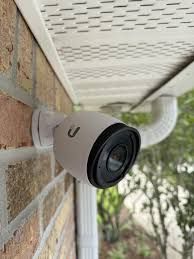
Mark workstations, conference rooms, printers, reception, phones, access points and any other connected equipment on the proposed floor plan. Include equipment that may need its own connection, such as cameras, door controllers and audiovisual systems. Confirm requirements with your IT provider rather than assuming every desk or room uses the same number of ports.
Identify likely growth areas now. Adding spare outlets during an accessible buildout can be easier than reopening finished spaces later. GPZ’s voice and data cabling services can help translate that device list into a proposed installation.
2. Choose a suitable network room
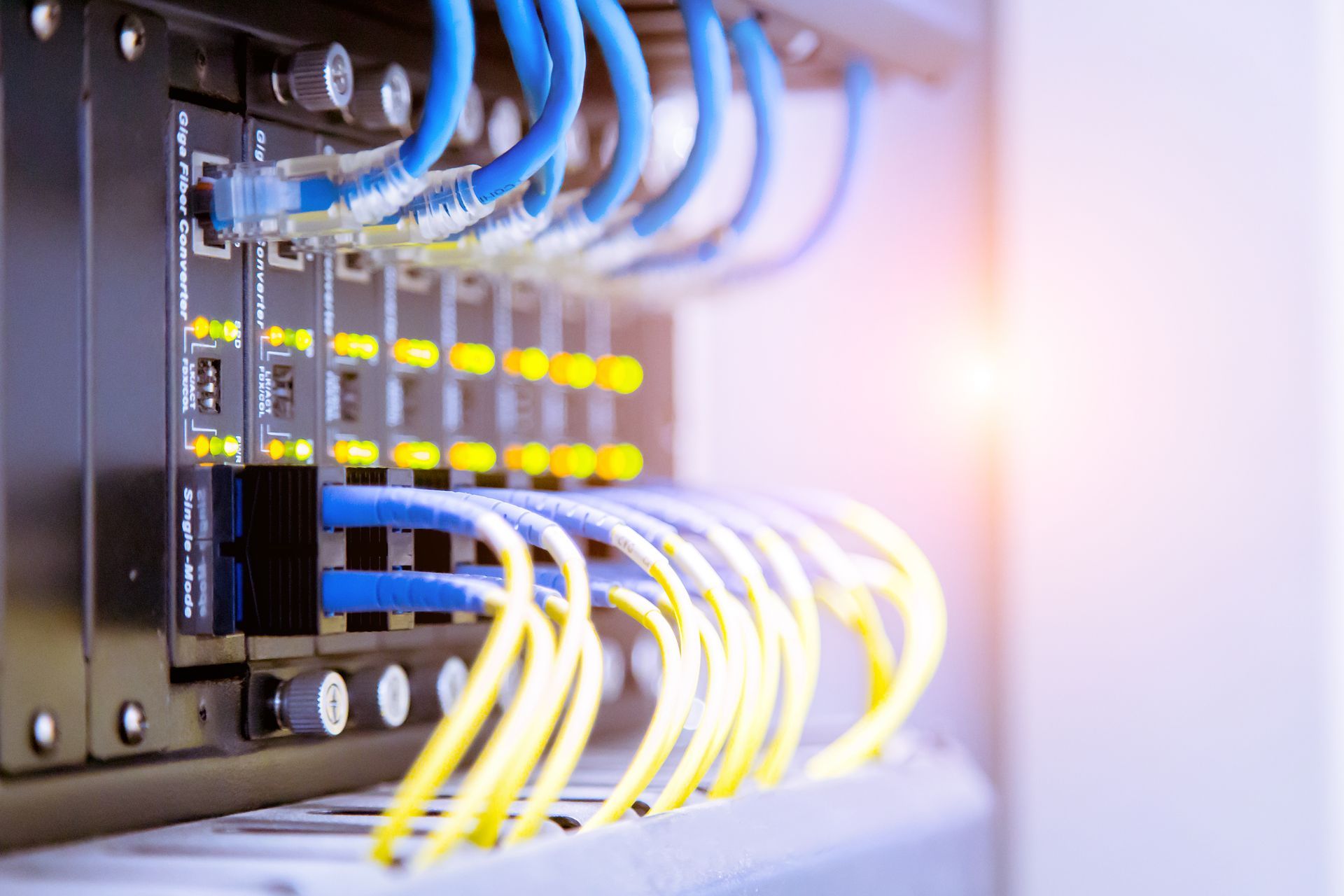
Locate the rack or wall cabinet in a secure, accessible area intended for network equipment. Allow working space, suitable power and ventilation, and room for cable management. Coordinate electrical work with the electrician and equipment requirements with your IT team. Avoid treating an open office corner as the permanent equipment location simply because it is convenient on moving day.
3. Confirm the internet handoff and cable routes
Ask the internet provider where service will terminate and when it will be activated. The provider’s demarcation point may be separate from your network room. A demarc extension may be needed to reach the intended equipment location.
During the site survey, review ceiling access, furniture pathways, wall construction, building rules and any work needed outside normal hours. Copper Ethernet design also depends on the actual routed length, not just the straight-line distance across a floor plan. Standard structured cabling commonly uses a 90-meter permanent link within a 100-meter channel; longer routes need a suitable alternative.
4. Define installation and testing responsibilities
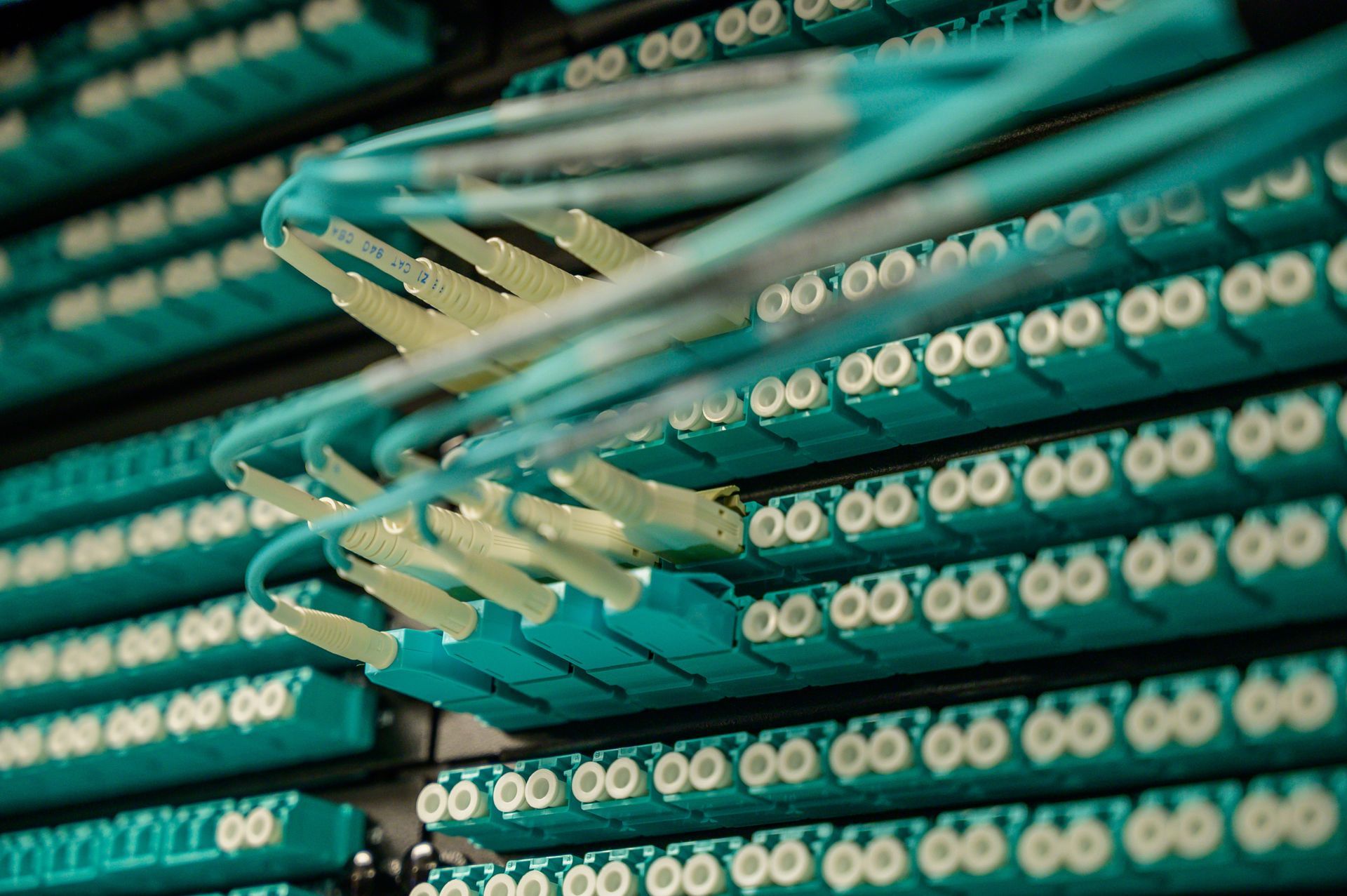
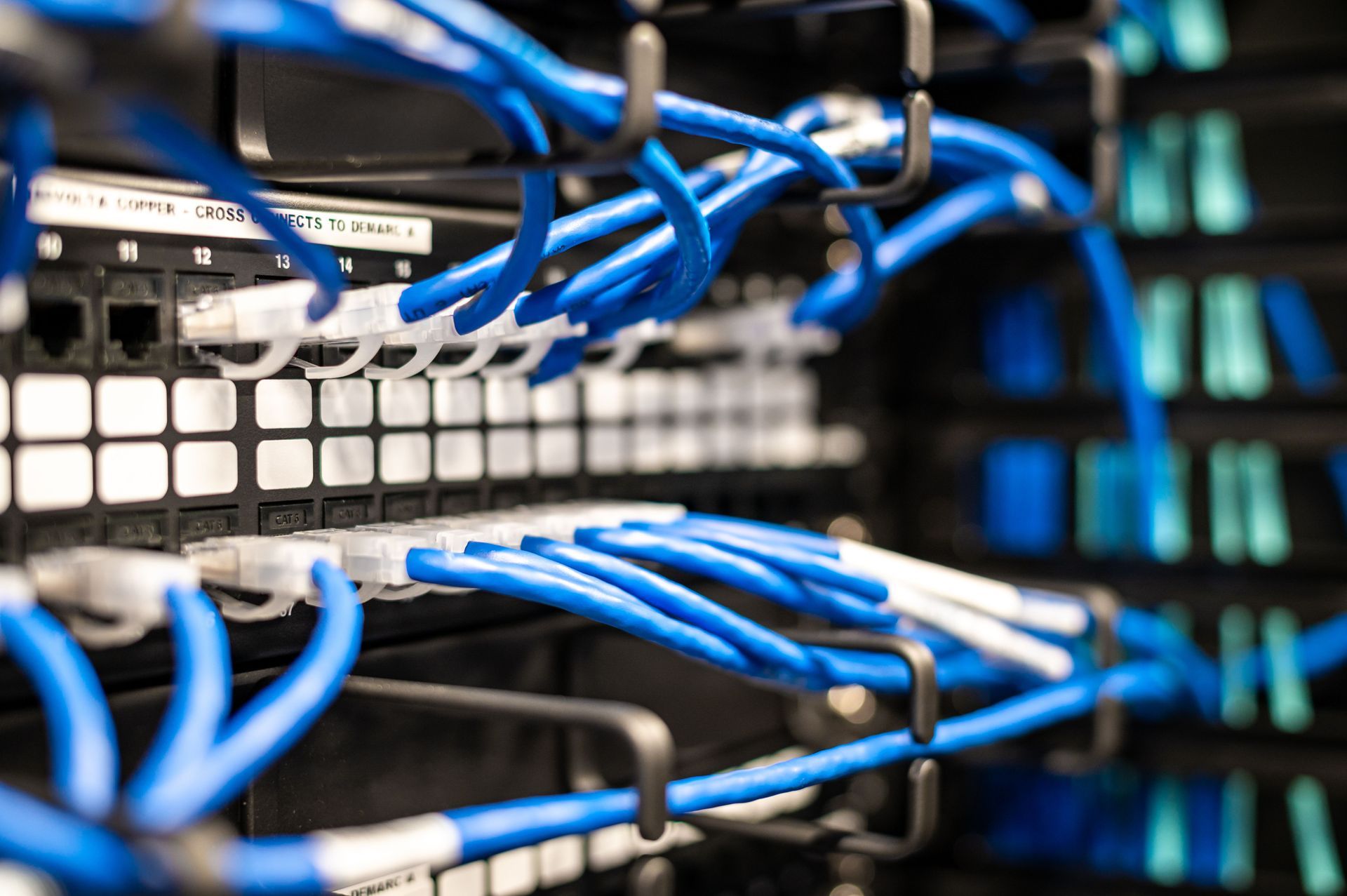
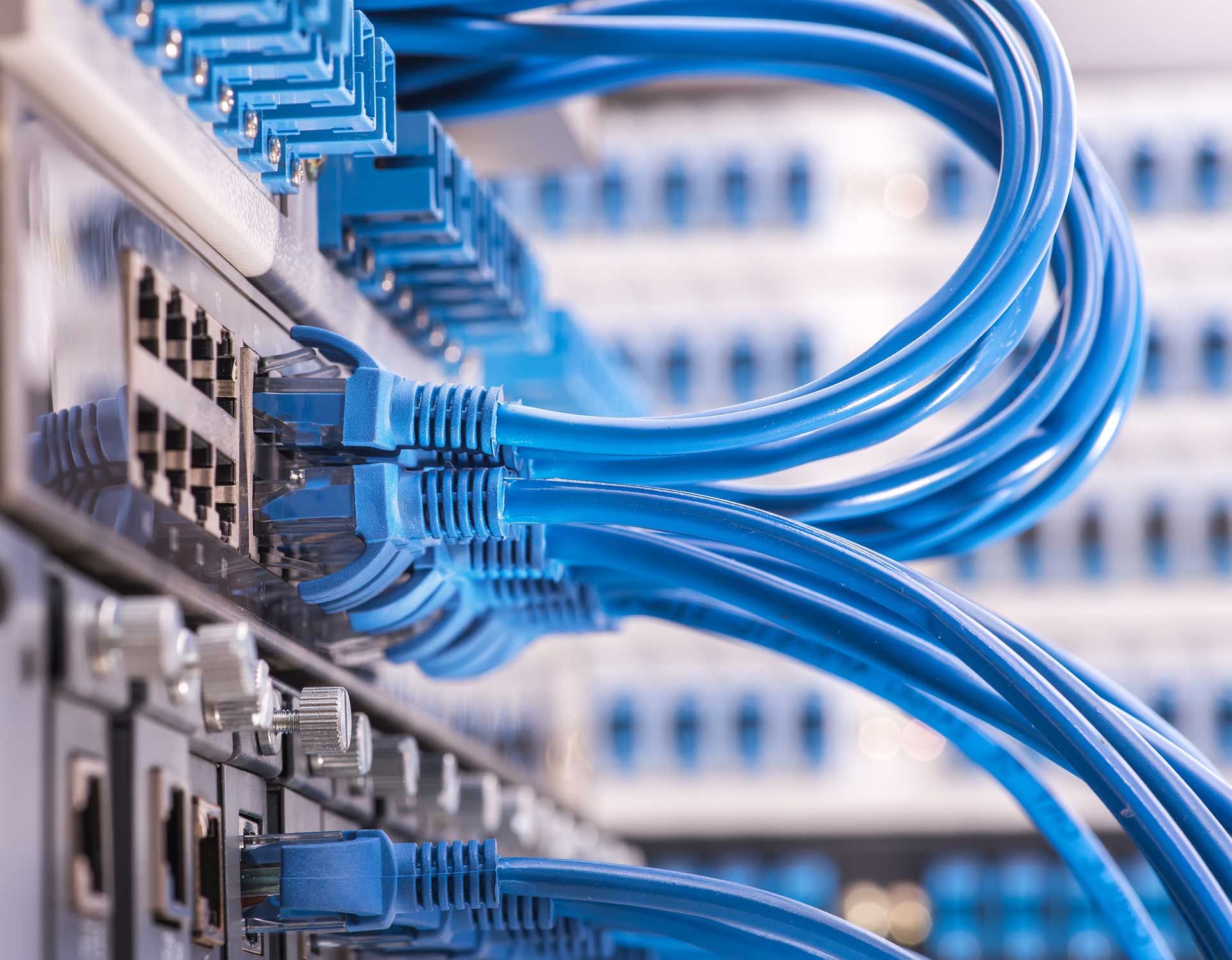
A useful scope identifies cable type, outlet locations, patch panels, supports, labels, patch cords and the required test deliverables. Make clear who supplies switches, access points, cabinets and electrical power. If certification to a cabling standard is required, specify it in the scope: a basic connectivity check is not the same as certification.
Document any separate responsibilities for conduit, construction work, permitting and restoration. This helps you compare proposals on the same basis.
5. Plan the cutover before moving day
Coordinate the cabling contractor, IT provider, internet carrier and movers. Aim to complete installation and agreed testing before the business relies on the new space. Schedule equipment relocation, network configuration and application checks, and identify a point of contact for each team. Keep a labeled outlet schedule and test records with the final handover.
Office relocation questions
Can we reuse the existing cabling?
Possibly. First confirm its condition, category, routing, labeling and suitability for the new layout. Existing outlets should be evaluated before they become the basis of the move plan.
How early should we request a cabling survey?
As soon as a usable floor plan and access to the space are available. Building approvals, internet activation and construction schedules can affect the installation sequence.
Plan your Central Florida office move
Request a site survey from GPZ Cabling or call 352-478-0676. Send your floor plan, target move date and equipment list so we can review the cabling requirements. GPZ Cabling Inc. serves Orlando, Tampa and Central Florida. Florida license: EF20002178.
Technical reference: Fluke Networks cable testing guidance.