Cat6 Cable Drops: Installation That Lasts

If you have employees showing up with new laptops, new phones, and new “why is Wi‑Fi slow in this corner?” tickets, the real problem often isn’t bandwidth. It’s that the building doesn’t have enough clean, predictable Ethernet where work actually happens. A well-planned Cat6 drop gives you a known-good connection at the desk, at the printer, behind the TV, above the ceiling for a Wi‑Fi access point, or at the door for a controller - and it keeps working long after the office layout changes.
Cat6 cable drops installation looks simple on paper: pull cable, terminate, test. In the field, it’s where most network reliability gets won or lost. Pathways get crowded, ceilings hide surprises, fire-rated assemblies can’t be disturbed, and the last 10 feet - from wall to device - is where messy workmanship shows up every day.
What a Cat6 “drop” really is (and why it matters)
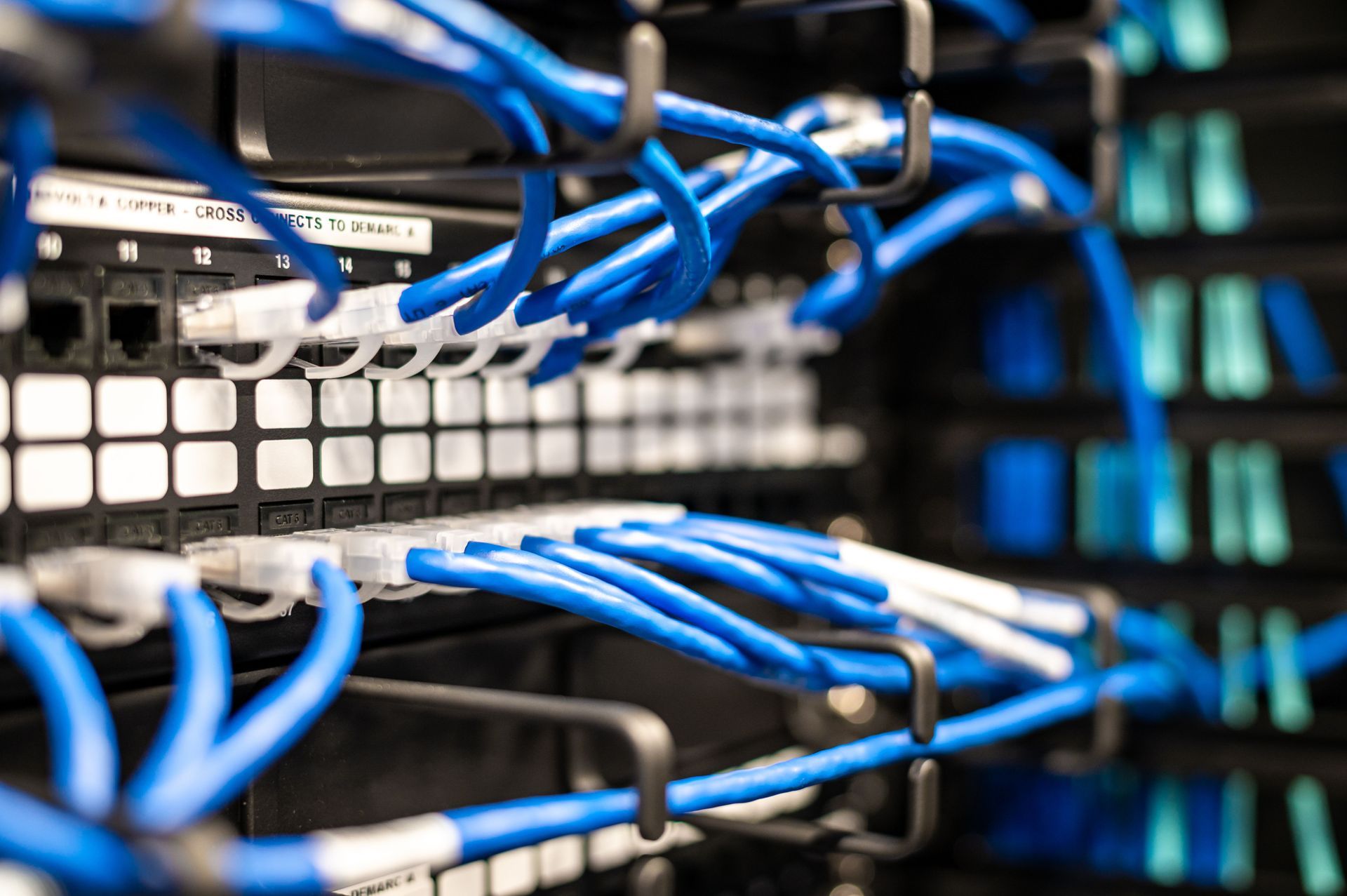
A “drop” is a permanent horizontal cable run from the telecom room (IDF/MDF) to a work area outlet or device location. In commercial spaces, that typically means Cat6 cable on a pathway (J-hooks, cable tray, conduit) terminating into a patch panel in the closet and a keystone jack at the faceplate. The device then connects with a short patch cord.
That separation matters. The permanent link is what you should be testing and documenting. Patch cords are consumables - they get swapped, stepped on, and “borrowed” when someone is in a hurry. When the permanent link is installed correctly, troubleshooting stays simple: you’re not chasing intermittent issues caused by poor termination, damaged jacket, or a cable that was pulled too hard.
Planning the drop count: the cost of being “just enough”
Most cabling problems start in planning. The space opens, people move in, and suddenly you’re out of ports. Now you’re buying unmanaged switches for desks, daisy-chaining power strips, and turning a clean network into a patchwork.
In offices and clinics across Central Florida, we see the same pattern: the best time to add drops is before furniture, after-hours restrictions, and finished walls make everything harder.
A practical rule is to plan for both today’s endpoints and tomorrow’s flexibility. A single desk might need a phone and a computer today, then a docking station, a second monitor hub, or a dedicated printer tomorrow. Conference rooms grow from “one TV” into a full A/V setup with a table box, VC codec, camera, control processor, and guest network needs. Wi‑Fi access points may reduce the number of user drops, but they increase the need for correctly placed, PoE-ready drops in the ceiling.
“It depends” is real here. A high-density call center may justify more drops per seat than a private-office layout. A warehouse may need fewer work area outlets but more drops for cameras, access control, and wireless APs. The goal is not to overspend - it’s to avoid rework that costs more than doing it right during the initial build.
Pathways and code: where workmanship shows up
Cat6 performance is not only about the cable category. It’s about how the cable is supported, routed, protected, and separated from interference.
Ceiling grids are not cable support systems. Laying cable on tiles invites crushed jackets, noisy links, and callbacks when a tile gets moved. A clean installation uses J-hooks, bridle rings, or tray, with appropriate spacing and support so the cable isn’t sagging or tensioned.
Separation matters too. Running parallel to electrical for long distances, crossing power incorrectly, or stuffing low-voltage into spaces not intended for it can lead to intermittent issues that are hard to diagnose. In healthcare and professional buildings, plenum spaces and rated pathways bring additional requirements. If a pathway needs conduit or a fire-rated solution, it needs to be planned - not improvised.
Then there are penetrations. Every wall or floor you drill through can affect firestopping and building compliance. The difference between a “cable pull” and a professional structured cabling job is that penetrations, sleeves, and firestop are treated as part of the scope, not an afterthought.
The pull: protecting Cat6 so it performs like Cat6
A lot of Cat6 cable drops installation failures come from rough handling. Cat6 is sensitive to geometry - kink it, crush it, over-bend it, or pull it too hard and you can degrade performance without obvious visual damage.
Good technicians manage pull tension, keep bend radius under control, and avoid tight bundles that pinch the cable. They also plan routes so the cable lands where it should without “creative” detours that add length and risk.
Length is another quiet limiter. Ethernet channel limits are real, and you don’t want to discover late that a long pathway plus detours plus patch cords pushed you over. When a run is borderline, the right answer might be a better pathway, an IDF location adjustment, or fiber to a closer closet - not hoping the switch will “power through.”
Termination: where speed can ruin quality
Termination is where shortcuts turn into trouble tickets.
In the closet, drops should land on a properly mounted patch panel, dressed cleanly, and strain-relieved so the back of the panel isn’t supporting the cable weight. In the work area, jacks should be terminated to the correct standard consistently (T568B is common in the US, but consistency is the real point), with pairs maintained and untwist kept minimal. Over-untwisting to “make it easier” can cost you on NEXT and return loss, especially as speeds and PoE loads increase.
Faceplates should be placed with the real world in mind: furniture height, cleaning access, ADA considerations where applicable, and the client’s workflow. A drop hidden behind immovable millwork is a drop that will be ignored when the office changes.
Labels and documentation: the fastest way to reduce downtime
A cable that isn’t labeled is a cable you’ll pay for twice.
Proper labeling ties the work area jack to the patch panel port and to the location on a floor plan or as-built. When something goes down, your IT team should be able to identify the exact port in seconds, not tone out a bundle while the office is disrupted.
Documentation is also what makes expansions cheaper. When you know what’s used, what’s spare, and where pathways run, you can add new drops without tearing apart finished spaces or guessing in the ceiling.
Testing: “link lights” are not a test
You can plug in a device and get a link light even on a marginal cable. That’s not a pass - it’s a symptom waiting to show up during a big file transfer, a VoIP call, or a PoE camera reboot.
Professional Cat6 installs should be verified with appropriate cable testing for the performance level you’re expecting. At minimum, you want each permanent link tested and recorded so you have proof it meets spec. If you’re supporting higher speeds, PoE-heavy devices, or mission-critical systems, the expectation should rise accordingly.
Testing also catches issues that are easy to fix now and expensive later: a split pair, a bad termination, excessive untwist, or damage from pulling. Finding those after furniture is installed and users are active can turn a small correction into an after-hours project.
Common “drop” use cases that need different thinking
Not all drops are created equal, even if they use the same Cat6 cable.
Workstations tend to be straightforward, but density and furniture matter. Modular furniture often needs pathways planned to the right locations so cables aren’t draped across open areas.
Wi‑Fi access points need more care. Placement affects coverage, and the drop needs to be in the correct ceiling zone, with the right mounting approach and PoE considerations.
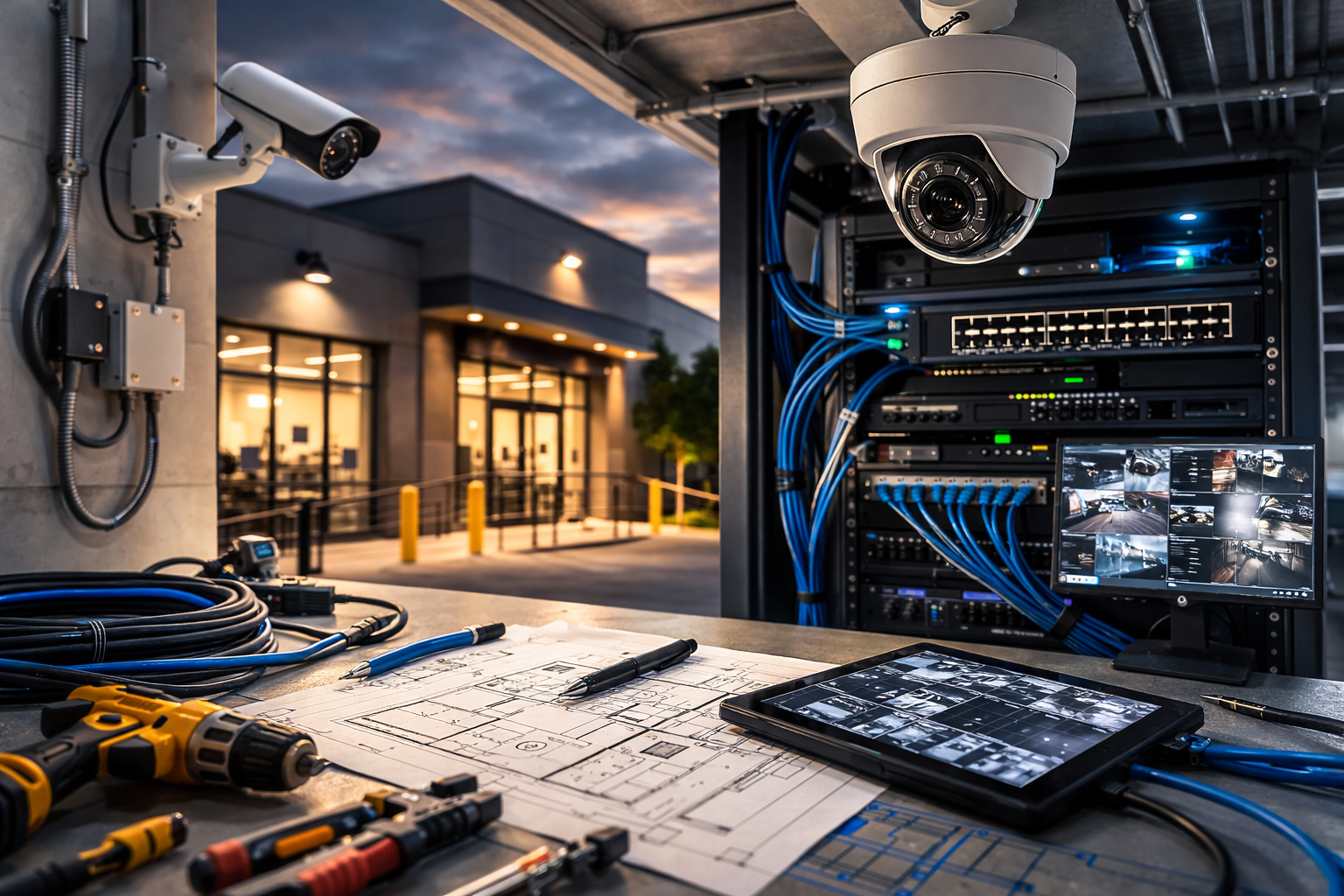
Security cameras and access control devices add another layer. You may be pulling to exterior walls, soffits, or door frames where weather sealing, pathway protection, and coordination with locksmiths or door hardware teams becomes part of “cabling.”
Conference rooms are the most likely to get reworked later, so they benefit from extra capacity and smart placement. A clean install anticipates the next refresh: extra table ports, a spare conduit, or additional drops to the display wall so you’re not opening drywall when the room gets upgraded.
What drives cost on Cat6 cable drops installation
If you’re budgeting a project, the cost is rarely about the cable itself. The real drivers are pathway complexity, ceiling height and access, distance to the closet, number of penetrations, and whether you need work done after hours to avoid disrupting operations.
Building type matters. A wide-open retail space with accessible ceilings is different from a medical office with tight above-ceiling conditions and strict infection control requirements. Multi-tenant buildings can add coordination steps and demarc constraints. Older buildings can hide surprises that change routing.
If you want pricing that doesn’t swing wildly mid-project, a site survey is where you win. It allows the installer to confirm closet locations, pathway options, ceiling conditions, and device placement, then quote with fewer assumptions.
Choosing an installer: what to look for beyond “we pull cable”
If your business depends on uptime, you’re not just buying cable pulls. You’re buying the process: planning, coordination, clean execution, and support after the install.
Look for a contractor who is licensed for low-voltage work, uses trained technicians, and can handle the full scope when your project isn’t only data drops. Many sites need more than Cat6 - fiber between suites, demarc extensions, trenching or directional boring between buildings, cameras, access control, or conference room A/V. One accountable team reduces scheduling gaps and finger-pointing.
If you’re operating in Tampa, Orlando, or elsewhere in Central Florida and you want a “do it right the first time” approach with professional testing and documentation, GPZ Cabling Inc. can start with a free site survey and estimate at https://www.gpzcabling.com.
The decision that pays off later
When Cat6 drops are installed cleanly and documented properly, your network stops being a daily variable. Moves, adds, and changes get easier. Troubleshooting gets faster. Upgrades happen without opening walls. That’s the real return - not just passing a test on install day, but having infrastructure you don’t have to think about when the building gets busy.