Hiring a Structured Cabling Contractor

If you’ve ever moved into a new suite that “had network drops,” only to find dead jacks, unlabeled cables, and a rack that looks like a bowl of spaghetti, you already know why the right contractor matters. Structured cabling is one of those building systems you only notice when it’s done wrong - and then it becomes everyone’s problem: IT, operations, and the people trying to get work done.
A structured cabling contractor is the trade partner responsible for designing, installing, testing, and documenting the low-voltage pathways that carry your data, voice, video, and control signals. Done correctly, the cabling plant becomes a predictable foundation you can grow for years. Done poorly, it becomes a recurring ticket generator with hidden downtime costs.
What a structured cabling contractor actually delivers
At a practical level, you’re paying for more than pulling cable. A qualified structured cabling contractor manages the full path from the service provider handoff (your demarc) to the end device - and proves performance with testing.
That includes planning cable routes that respect building construction, firestopping requirements, and access constraints. It means selecting the right cable type (Cat6 vs. Cat6A, OM3/OM4 fiber, single-mode fiber), the right containment (J-hooks, cable tray, conduit), and the right termination method so your links meet spec.
It also includes the parts that get skipped by “lowest bid” work: labeling that matches the as-built drawings, rack layouts that allow clean service, and test results you can hand to your IT team with confidence.
Typical scope you should expect
Most commercial projects start with a site walk and a plan for the telecom spaces: the MDF/IDF locations, rack placement, power, grounding, and pathway. From there, the contractor installs horizontal cabling (your drops), backbone cabling (often fiber between rooms or buildings), patch panels, faceplates, and the rack equipment needed to keep it serviceable.
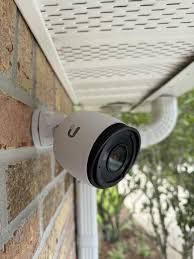
Many organizations also roll related low-voltage systems into the same project because the pathways and coordination overlap. Access control, CCTV, and conference room A/V can all live in the same structured approach when they’re designed to coexist instead of competing for space.
Why “do it right the first time” is more than a slogan
Cabling is expensive to redo because the most expensive part is labor and disruption. If a contractor installs the wrong category cable, fails to maintain bend radius, exceeds pull tension, or terminates poorly, you might not see the impact until you upgrade switches, add VoIP, or deploy Wi-Fi 6/6E access points.
Even when the problem is “just” messy workmanship, the downstream costs show up fast. IT loses time tracing mystery runs. Moves-adds-changes take longer. Troubleshooting becomes guesswork. In healthcare or multi-tenant buildings, that can also introduce compliance and operational risk.
The trade-off is that higher-quality installs typically require more planning and more discipline on the front end: clearer drawings, better coordination with other trades, and time for testing and documentation. But that time is exactly what reduces long-term risk.
Cabling decisions that change your five-year cost
Your cabling plant should be designed around both today’s requirements and realistic growth. There isn’t a one-size-fits-all answer, but there are predictable decision points.
Cat6 vs. Cat6A: not always worth the premium
Cat6 is still a workhorse for many office environments, especially when run lengths and interference conditions are well controlled. Cat6A can be the right call when you want more headroom for 10GbE at longer distances or you’re in an environment with higher EMI concerns.
The nuance: Cat6A is thicker, less forgiving in tight pathways, and can increase labor time and pathway fill. A good contractor will walk you through where Cat6A actually matters (certain uplinks, high-density areas, future-proofing critical zones) instead of upgrading everything by default.
Fiber backbone: the quiet upgrade that pays off
Fiber is often the best answer for building-to-building connectivity, long internal backbones, and high-throughput aggregation. If your facility has multiple IDFs, warehouse spans, or a campus layout, fiber reduces distance limitations and provides strong performance headroom.
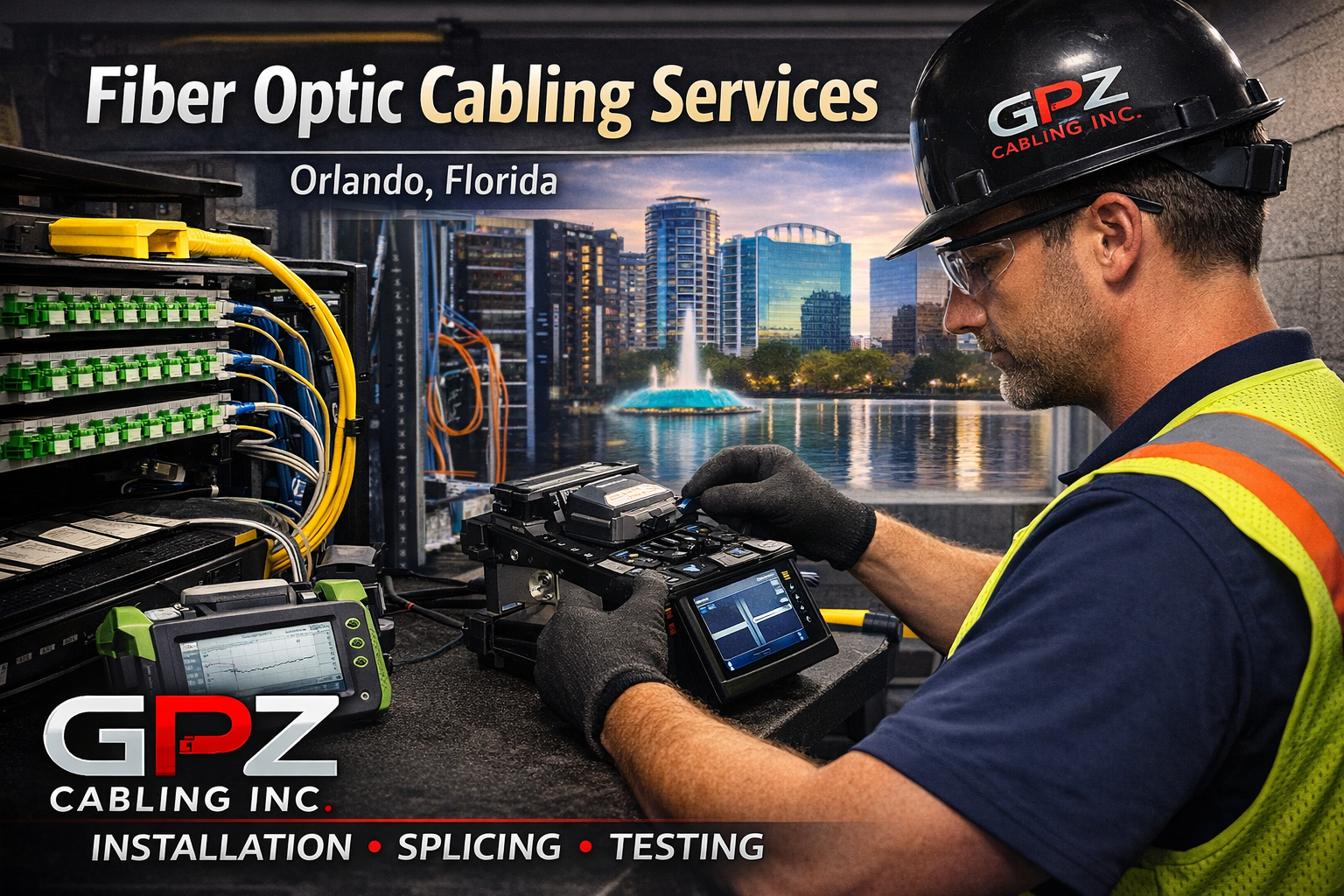
If the contractor can handle fusion splicing in-house and provide test results, you get a cleaner handoff and fewer vendors to coordinate.
Outside plant (OSP): where projects go sideways
Extending connectivity between buildings isn’t just “run a cable.” OSP introduces trenching or directional boring, conduit sweeps, pull boxes, warning tape, and proper burial depth. It also introduces coordination with utilities and site conditions that can change quickly.
A structured cabling contractor that can execute OSP scope reduces the risk of piecemeal work where one vendor digs, another pulls, and nobody owns the outcome.
The contractor questions that prevent change orders
Most project pain comes from assumptions. The goal of your early conversations is to make the scope explicit: what’s included, what’s excluded, and how the contractor will prove the system works.
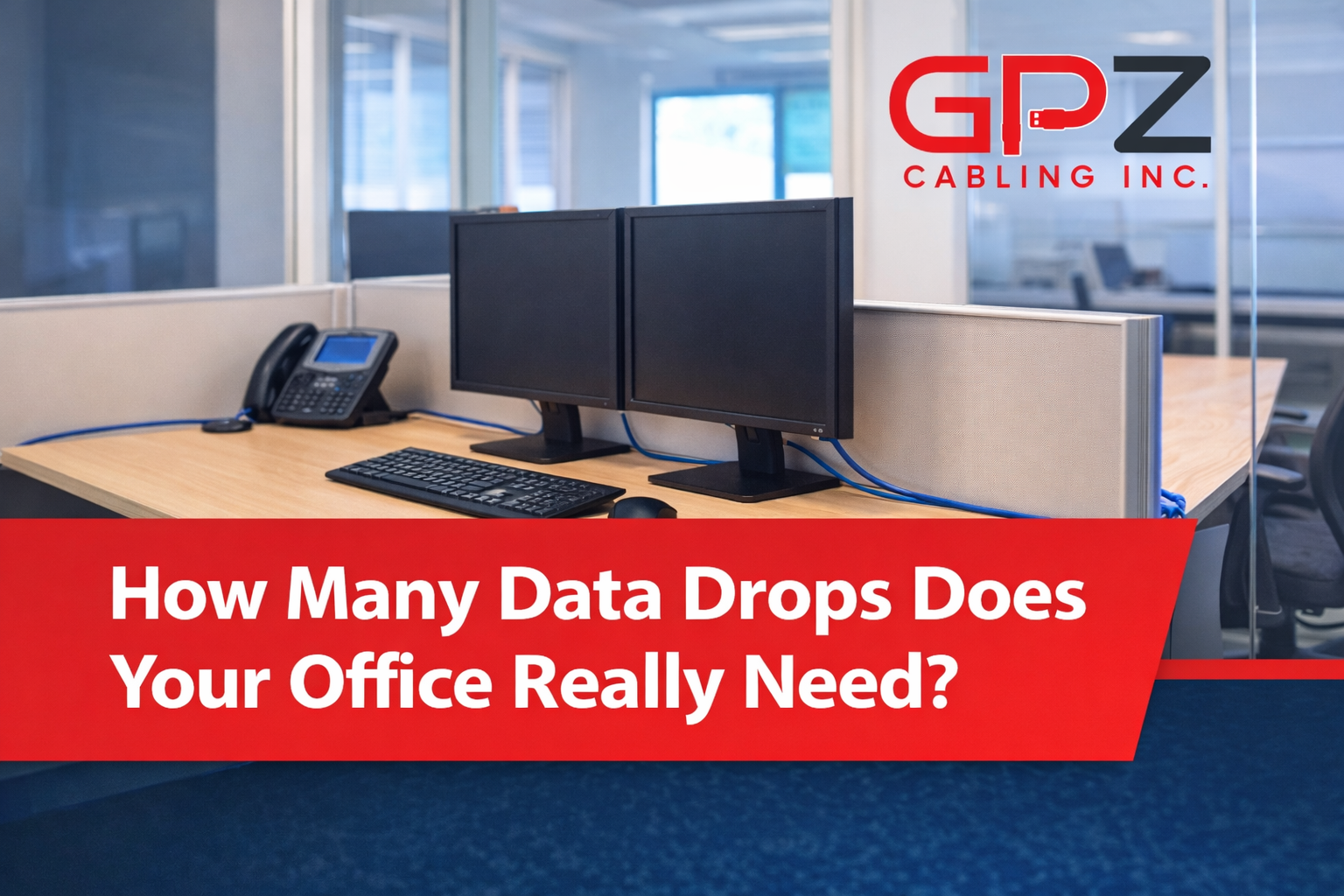
Ask how they determine drop counts and locations. A credible answer sounds like a walkthrough of workflows: where people sit, where printers and copiers live, where Wi-Fi access points should land, and which rooms need conference A/V support. If you hear “we’ll just put two drops per office,” you’re likely headed for rework.
Ask what testing is performed and what deliverables you receive. For copper, you want certification testing appropriate to the cable standard being installed. For fiber, you want documented test results and clean labeling at both ends.
Ask how they handle pathways and firestopping. If the contractor is vague about penetrations, sleeves, and fire-rated assemblies, that’s a red flag. In many buildings, this is where compliance issues and failed inspections show up.
Finally, ask what happens after install day. A structured cabling plant is long-lived, but businesses change. You want a partner who can respond when an IDF needs cleanup, a tenant improvement requires re-termination, or a critical link fails after hours.
Coordination with IT, facilities, and the GC
Cabling sits at the intersection of trades and technology. If you’re a facilities manager or GC, you care about schedule, inspections, and clean closeout. If you’re IT, you care about performance, labeling, rack layout, and the ability to troubleshoot.
A strong contractor bridges that gap with basic project management discipline: confirming rack elevations, validating conduit paths before drywall, coordinating ceiling access, and documenting changes in the field. This is also where experience shows up in small details - like leaving service loops where appropriate, keeping cable bundles dressed and supported, and maintaining proper separation from electrical.
It depends on the project environment, but many disruptions can be avoided by scheduling loud or access-heavy work after hours, especially in medical offices, schools, and operational facilities. If uptime matters, ask about after-hours work and emergency support before you sign.
When to bundle security and A/V with your cabling project
Some organizations prefer separate vendors for cameras, access control, and conference rooms. Others prefer one accountable low-voltage partner. Either approach can work, but mixing vendors requires clear demarcation of responsibility.
Bundling can reduce finger-pointing because the same team owns cable quality, device placement, terminations, and testing. It also helps when systems share infrastructure: PoE switches feeding cameras, access control panels located near the MDF, or conference rooms needing both network and HDMI/USB extension.
The trade-off is that you need a contractor who is genuinely competent across those systems, not just willing to install them. Ask what brands they commonly work with, how they validate camera views and door hardware function, and what the commissioning process looks like.
What good documentation looks like
Documentation is the difference between a cabling system you can operate and one you can only hope works. At minimum, you should expect consistent labels at the patch panel and the faceplate, plus a simple map that ties locations to port numbers.
On larger sites, as-builts and test reports are worth real money. They reduce troubleshooting time, speed up expansions, and make it easier to onboard new IT staff or manage multi-site standards.
If you’re inheriting an existing building, a contractor can also perform a cleanup and re-labeling project. That’s often one of the highest ROI service calls you can schedule because it pays back every time you make a change.
Choosing a structured cabling contractor in Central Florida
In Tampa, Orlando, Lakeland, Kissimmee, and the surrounding areas, you’ll find no shortage of low-voltage installers. The difference is accountability. Look for licensing, proof of standards-based work, and a track record of showing up when something needs attention.
A family-owned contractor with trained technicians and a customer-service-forward process tends to be easier to work with over time because you’re not re-explaining your standards on every visit. If you want a Central Florida partner that handles end-to-end structured cabling plus fiber, OSP trenching/boring, security, and A/V with a “do it right the first time” mindset, GPZ Cabling Inc. offers free site surveys and a satisfaction guarantee.
The last piece of advice is simple: treat cabling like long-term infrastructure, not a line item to minimize. The most reliable networks are rarely the ones with the cheapest install - they’re the ones where someone cared about the details you won’t notice until the day you really need them.